Last Updated: November 14, 2026
Quick Summary
A beginner builds a 3D design portfolio by choosing three to five strong, finished projects that each show modeling, texturing, lighting, and a clean final render. Each piece should include a short description of its goal, tools, and one challenge. Present the work on a simple website or a curated PDF.
- Start with three to five strong pieces, since quality beats quantity.
- Pick finished projects with clear limits, such as a single product or small interior.
- Save process shots and sketches to show how each piece came together.
- Keep thumbnails at 1200 by 900 pixels or larger and readable at 300 pixels wide.
- Export a PDF under 10 MB for email and review the portfolio every three to six months.
Table of Contents
- What a Beginner 3D Design Portfolio Needs to Show
- Choosing the Right Projects for Your First Portfolio
- Step-by-Step: Creating Your First Portfolio Piece
- 3D Modeling Portfolio Examples Worth Studying
- Presenting Your Work: Thumbnails, Descriptions and Renders
- Building a 3D Artist Portfolio Website or PDF
- How to Build a 3D Animation Portfolio and Review It Over Time
- Frequently Asked Questions
What a Beginner 3D Design Portfolio Needs to Show
A 3D design portfolio is a collection of your best renders, models, and projects that proves you can do the work.
Start with three to five strong pieces. Quality beats quantity every time. A single polished render with a clear breakdown does more than twenty half-finished experiments.
A beginner portfolio should show:
- Modeling skill on objects with clean topology and sensible proportions
- Texturing and materials that look believable under light
- Lighting and rendering choices that set mood and clarity
- A finished, presentable image for each piece
- A short note on what you made and which tools you used
A common mistake is treating the portfolio as a gallery of favorites. A better approach is to treat it as evidence.
Choosing the Right Projects for Your First Portfolio
Pick projects that match the work you want to do next. If you want to model architecture, build interiors and product shots. If you want to animate characters, show a character model and a short motion piece.
Look for projects with clear limits. A small, finished scene teaches you more than a huge project you never complete. Good first projects include:
- A single product, such as a bottle, chair, or camera
- A small room or interior vignette
- A stylized character bust
- A simple environment with one strong light source
Avoid copying a tutorial exactly and presenting it as original work. If you follow a course, change the materials, composition, or lighting so the result shows your own decisions. Always credit tutorials and reference images you used.
Step-by-Step: Creating Your First Portfolio Piece
Work through one project from start to finish. A complete piece teaches the workflow you will repeat later.
- Choose a subject and set a scope. Pick something you can finish in one to three weeks.
- Gather references. Collect five to ten photos that show shape, color, and lighting.
- Block out the form. Build rough shapes to get proportions right before adding detail.
- Refine the model. Add detail where the eye will land most often.
- Create materials and textures. Match surfaces to real-world behavior.
- Light the scene. Use two or three lights to create depth and mood.
- Render and review. Export a clean final image and check it at full size.
- Write the project summary. Describe the goal, tools, and one thing you learned.
Documenting the Creative Process with Sketches and Progress Shots
Save early sketches, wireframes, and progress renders as you work. Viewers want to see how a piece came together, not just the final image. Process shots show planning, problem solving, and patience.
Keep a simple folder for each project with dated files. Later, pick three to five of the strongest process images for a breakdown slide. Compare your first blocked-out render with the final version.
3D Modeling Portfolio Examples Worth Studying
Studying other artists’ work sharpens your eye. Look at how professionals frame their pieces, label their tools, and write short summaries. Notice how many images they show per project and whether they include wireframes or turntables.
When you review examples, ask:
- What does the first image make you want to see next?
- How clearly does the artist explain the goal?
- Which details make the work feel believable?
For a 3D modeling portfolio PDF, keep the layout simple. One project per page, a strong hero image, two or three supporting shots, and a short caption.
Presenting Your Work: Thumbnails, Descriptions and Renders
Presentation is where most beginner portfolios lose reviewers. Viewers scan a grid of thumbnails in seconds, then open only the projects that look finished and legible.
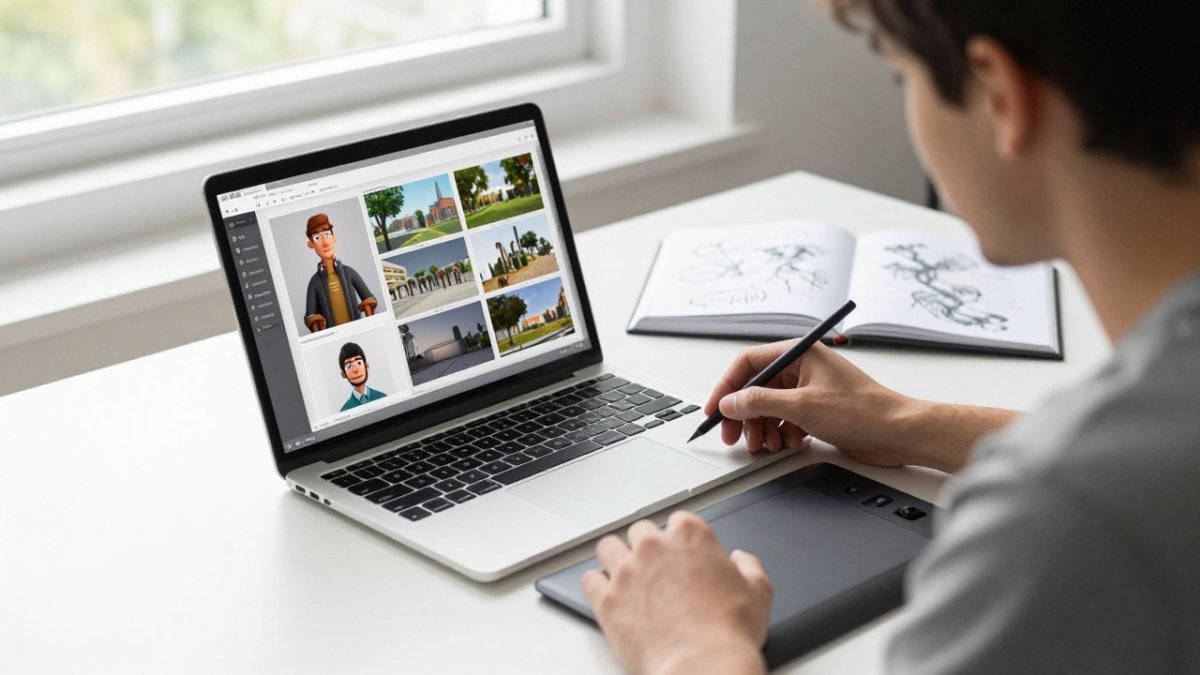
A strong thumbnail uses a clean background, a single subject, and consistent framing across the set.
For each project, write a short description of three to four sentences. Include:
- The goal of the piece
- The main tools and techniques
- One challenge you solved
Keep renders at a consistent resolution. Show one hero image first, then wireframes, detail crops, and process shots.
Technical Breakdowns That Prove Craft
Reviewers who hire 3D artists want to see how the model is built, not only how the final frame looks. Add a compact breakdown section to each project page:
- Wireframe or shaded wireframe of the full model so topology and edge flow are visible
- Close-up of a hero area such as a face, hard-surface seam, or product edge
- UV layout for at least one textured asset, with a note on texel density
- Material setup showing the base color, roughness, and normal maps or the node graph in simplified form
- Lighting diagram with light positions, types, and intensities labeled
- Render settings such as engine, resolution, sample count, and whether denoising was used
You do not need every item on every project. Pick the two or three that best prove the skill the role requires. A modeling application cares about topology and UVs; a product visualization role cares about materials, lighting, and clean renders.
Accessibility, Performance, and Mobile Presentation
Many reviewers open portfolios on a phone between meetings, so test that path first. Compress images to WebP or AVIF where your platform supports it, and keep hero images under roughly 300 KB. Lazy-load images below the fold so the first screen appears quickly. Set explicit width and height attributes so the layout does not jump as images load.
Write alt text for every image that describes the subject and the skill shown, such as “Wireframe of a camera model showing quad topology around the lens barrel.” Captions should not repeat the alt text; use them to add the tool, render engine, or year. Keep body text at a contrast ratio of at least 4.5:1 against the background (Understanding Success Criterion 1.4.3: Contrast (Minimum) | WAI).
Descriptions That Survive a Quick Scan
Put the most useful information in the first line of each description. A reviewer should learn the role, the tool, and the outcome without opening a second page. A common pattern is a one-line summary followed by three short labeled lines: Role, Tools, and Result.
A reviewer’s first impression depends on what each project page shows, so these are the key elements to check.
| Element | What to include | Practical note |
|---|---|---|
| Thumbnail | Clean background, single subject | Readable at 300 px wide |
| Thumbnail size | 1200 x 900 px or larger | Let the site scale it down |
| Description | 3-4 sentences | Goal, tools, one challenge |
| Hero image | First image shown | Set the scene for the project |
| Hero image weight | Under roughly 300 KB | Keeps mobile loading fast |
| Alt text | Subject and skill shown | Describe the image, not the file |
| Text contrast | At least 4.5:1 | Against the background |
Building a 3D Artist Portfolio Website or PDF
You can host a portfolio on a personal website or share a PDF. A website is better for an online presence and search visibility. A PDF is useful for job applications and emailing to recruiters. Most working artists keep both and treat the PDF as a curated export of the site.
Choosing a Website Path
Three common paths exist for beginners, and each has real trade-offs:
- Website builders with portfolio templates are the fastest route. You get hosting, a domain, responsive layouts, and image optimization without writing code. The trade-off is less control over layout and sometimes slower image delivery unless you compress files yourself.
- Static site generators give you full control and fast load times, but you manage the build, image pipeline, and deployment. This path suits beginners who are comfortable with a code editor and version control.
- Art-focused portfolio platforms handle discovery and community features, but your page design is constrained and your work sits next to everyone else’s.
Whichever path you choose, own a custom domain and point it at your portfolio. A domain you control survives a platform change; a profile URL does not.
Website Checklist
Cover the basics: a homepage with your best work, a project page for each piece, an About Me section, your resume, and a contact link. Then verify the following before you share the link:
- Page titles and meta descriptions are unique and describe the work
- Images are compressed and served in a modern format
- The site passes a mobile-friendly check at common phone widths
- Navigation is four or five items at most and works with a keyboard
- Contact information is visible without opening a menu
- The site loads in under three seconds on a typical mobile connection
Use plain, descriptive page titles. Compress images so pages load fast without visible quality loss. Keep the navigation to four or five items at most.
PDF Export Rules
A portfolio PDF should be a deliberate export, not a print of your website. Keep one project per page or spread, lead with a strong hero image, and follow with two or three supporting shots and a short caption.
Name the file clearly, such as Firstname-Lastname-3D-Portfolio-2026.pdf, and include your contact details on the first and last pages so a recruiter who prints a single page still has your information.
Tailoring Submissions to a Role or Brief
Adapt project order and presentation to the specific role or studio brief. Read the posting for the skills it names, then put the project that proves those skills first. If the application asks for a reel, a PDF, or a link, follow the format exactly and keep file sizes within any stated limits.
Watch out: sending the same generic PDF to every application signals that you did not read the posting, and reviewers notice.
How to Build a 3D Animation Portfolio and Review It Over Time
An animation portfolio needs motion. Include a short reel of five to fifteen seconds per shot, plus the still renders that show the modeling and lighting behind the motion. Label each clip with the software and any plugins you used.
Review your portfolio every three to six months. Remove weaker pieces as your skills grow, and replace them with stronger work. Ask a peer or mentor for honest feedback. Track what changes: do people respond faster, and do you get more invitations or interviews?
Your portfolio should improve as you do. Treat each review as a checkpoint, and let the next project show the progress you made.
Frequently Asked Questions
How can I create a 3D portfolio?
Start by picking three to five projects that show the skills you want to be hired for, such as modeling, texturing, lighting or animation. Build each one from a clear brief, render it at a consistent resolution, and document your process with sketches and progress shots. Then present the finished work on a simple website or a PDF with short project descriptions and credits. Pricing for any software or course you use varies, so check current rates directly with each provider before you commit.
What should I 3D model as a beginner?
Choose subjects you can finish in a few weeks, such as a stylized prop, a simple environment or a product mockup. Avoid complex characters as a first project unless you already have sculpting experience. Aim for one piece that shows clean topology, good materials and a strong final render. Once that works, add a second project in a different style so employers can see range without the portfolio becoming cluttered.
Should a 3D portfolio be a website or a PDF?
A personal website is the stronger choice for most 3D artists because it loads quickly, supports video and interactive viewers, and is easy to update. A PDF works well as a companion when you are applying through email or job portals that ask for a file. Many artists keep both, with the same projects and descriptions in each, so reviewers can open whichever format they prefer.
How many projects should a beginner 3D portfolio include?
Three to six strong projects are usually enough for a beginner. Quality matters far more than quantity, so cut any piece that looks rushed or does not match the role you want. Each project should include a clear render, a short description of your role and tools, and at least one process image such as a sketch, wireframe or progress shot.